
If you’ve ever run a social media campaign for a business on the Facebook or Instagram platform, chances are that at some point you’ve come across Meta Business Suite, even if you didn’t know that’s what it was. Essentially, it’s a free tool provided by Meta (the parent company of Facebook) to help you organize your social media activity and remove the need for multiple programs when managing your socials. With this one tool, once you know how to use it you can save hours of work every week.
The purpose of this guide is to inform you of exactly what Meta Business Suite is, how to set it up properly, and how to use it to your advantage.
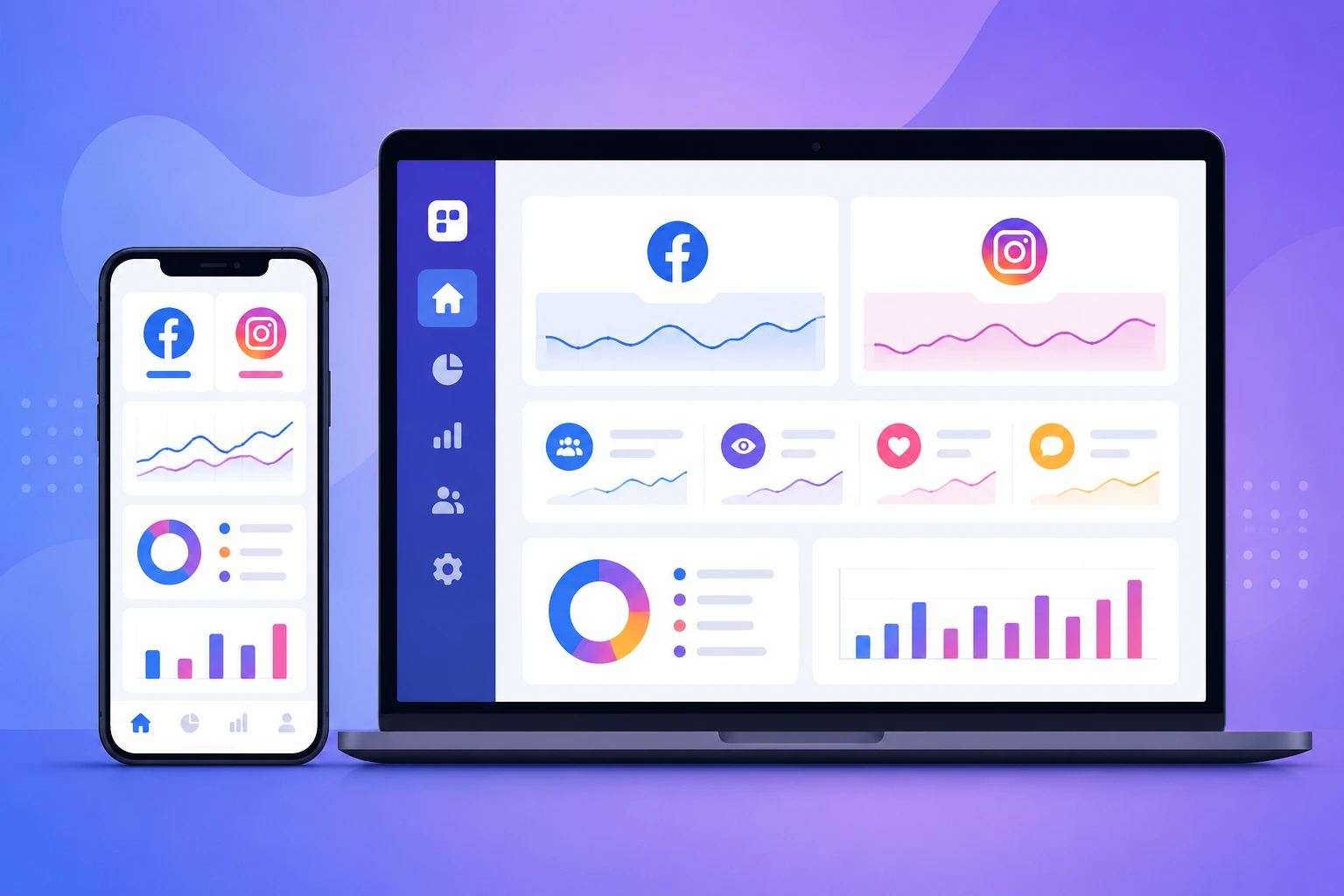
Meta Business Suite is the free multi-platform social media management tool that allows users to operate their Facebook Page and Instagram business account more efficiently. It eliminates the need to switch between different apps and websites when publishing content, responding to comments, reviewing paid ads performance, and analyzing reports. Users can access the unified interface either on the website or mobile application.
The tool essentially combines the key functions needed by business owners to operate their accounts on both platforms. It is this characteristic that has made it so popular among thousands of users. The majority of small businesses and agencies adopt the unified social media management platform as their standard operating procedure.
Before the advent of Meta Business Suite, managing a Facebook and Instagram presence required one to juggle two different apps. Now, everything is brought together under one hood, making it much easier to manage on a daily basis
“The biggest time-saver isn’t any single feature, but the fact that I don’t have to remember five different logins to manage my page,”
First things first – you will need to have an active Facebook Page (just having a Facebook personal profile will not help), and then you can proceed with the following steps:
It might be required to convert your Instagram personal account into a business/creator one if it is not yet, which should not take long and can be done through the Instagram application.
This will throw more individuals off track than any other procedure. For starters, Instagram must be a business or a creator account and must be connected to the same Facebook Page that you are running. When successfully integrated, your Instagram messages and comments will automatically get added to your Facebook activity.
With Content Planning and Scheduling, you are able to create posts, plan ahead when they should be posted and even preview what the post looks like in each platform before you post them.

All comments, direct messages, and requests from both sites get displayed in the same inbox. You can respond, archive messages, or delegate them to other colleagues in case several colleagues take care of the customers’ messages.
The tab called Insights allows you to see data regarding reach, engagement, and audience growth on both Facebook and Instagram. Though it will not substitute a separate analytics tool when creating detailed reports, it is more than sufficient for weekly review.
You do not have to access the Ads Manager interface just to boost your posts. The Meta Business Suite allows you to set your budget and select your target audience from the same interface used for posting.
Meta Business Suite and Meta Business Manager are often mixed up by people so I want to make it clear what each one does.
The main difference between Meta Business Suite and Meta Business Manager is what they are best for. Meta Business Suite is great for doing tasks like posting and messaging. It is also good for looking at insights. On the hand Meta Business Manager is better for managing many ad accounts and dealing with permissions.
| Feature | Meta Business Suite | Meta Business Manager |
| Best for | Day-to-day posting, messaging, insights | Managing multiple ad accounts, agencies, and permissions |
| Interface | Simplified, task-focused | More complex, admin-heavy |
| Typical user | Small business owner, solo marketer | Agencies, larger teams |
| Ad control | Basic boosting and campaigns | Full Ads Manager access |
If you have a business and handle your own social media Meta Business Suite is usually enough.. If you are an agency that manages many ad accounts for clients you will probably need Meta Business Manager.
Here are some tips to get the most out of Meta Business Suite:

1. Plan your posts for the week all once. Do not post things at the minute.
2. Check your messages every day. If you respond quickly people will trust you more. The algorithm will treat your page better.
3. Look at what worked before you plan new content. This will help you make posts.
4. If you have a team give them roles. Meta Business Suite lets you control what your teammates can do so you do not have to give them your Facebook login, for Meta Business Suite.
Not linking the Instagram account. Without proper integration, half the functionality just won’t be available.
Considering it to be a “set and leave it alone” tool. Scheduling posts is not a substitute for engaging in comments and messages.
Promoting posts without having an aim. Unspecific post boosting is unlikely to show results as good as when the boost is aimed at getting messages or traffic.
Failing to check out the Insights report regularly. Those who don’t do it tend to repeat their poorly performing posts over and over again.
As a beginner in the use of Meta Business Suite, do things simply.
Will I have to pay for Meta Business Suite?
No. The suite is free in every way, with all of its tools and resources available at no cost. That is unless you intend to put money behind your Facebook or Instagram ads or to boost a post, in which case there will be charges.
A Facebook Page is required?
Yes. A personal account won’t work because the application is designed for managing company accounts.
What is the main difference between Meta Business Suite and Meta Business Manager?
They are distinct apps made for the needs of businesses, agencies and social media managers. Meta Business Suite is where you will handle the day-to-day: publishing content, gauging performance, replying to messages and so forth. Meta Business Manager is for more sophisticated advertising and oversight, aimed at those who may be running several accounts.
Can my team use the same account?
Yes. Should you be working with others, you can set it up so they have the ability to put out content, deal with comments and messages, and adjust other settings as their role requires.
Is it possible to manage Instagram without connecting it to Facebook?
Not exactly. Unfortunately, the Meta Business Suite dashboard is not going to let you manage your Instagram account, whether it is a Business or Creator account, on its own. However, upon connecting the two social media networks, you will be able to manage your Page and Instagram from the same place.
Although the Meta Business Suite does not offer any groundbreaking ideas or disruptive concepts, it effectively addresses the existing issue of multiple accounts and tab management in an effective manner. From my perspective, it makes perfect sense to use it as the ultimate dashboard for anyone who manages their Facebook and Instagram accounts on a daily basis and wants to maximize efficiency while minimizing the time spent on administrative tasks.
The key is to configure the application correctly and determine the exact set of actions to perform weekly so that nothing is missed. Overall, it is crucial to focus on maintaining engagement and maximizing time investment on either of the two platforms. Thus, the actual tools and features offered by the Meta Business Suite are less important than the discipline and commitment to keep the account running steadily.
Ready to simplify how you manage your social media? Set up your Meta Business Suite account today and start posting, replying, and tracking performance — all from one place.