
If you run a local business and you’re not showing up when people search for what you sell, your Google Business Profile is probably the reason. It’s the single most influential free tool for local visibility, and yet most businesses set it up once and never touch it again.
This guide walks you through everything — setup, verification, optimization, and the mistakes that quietly kill your rankings.
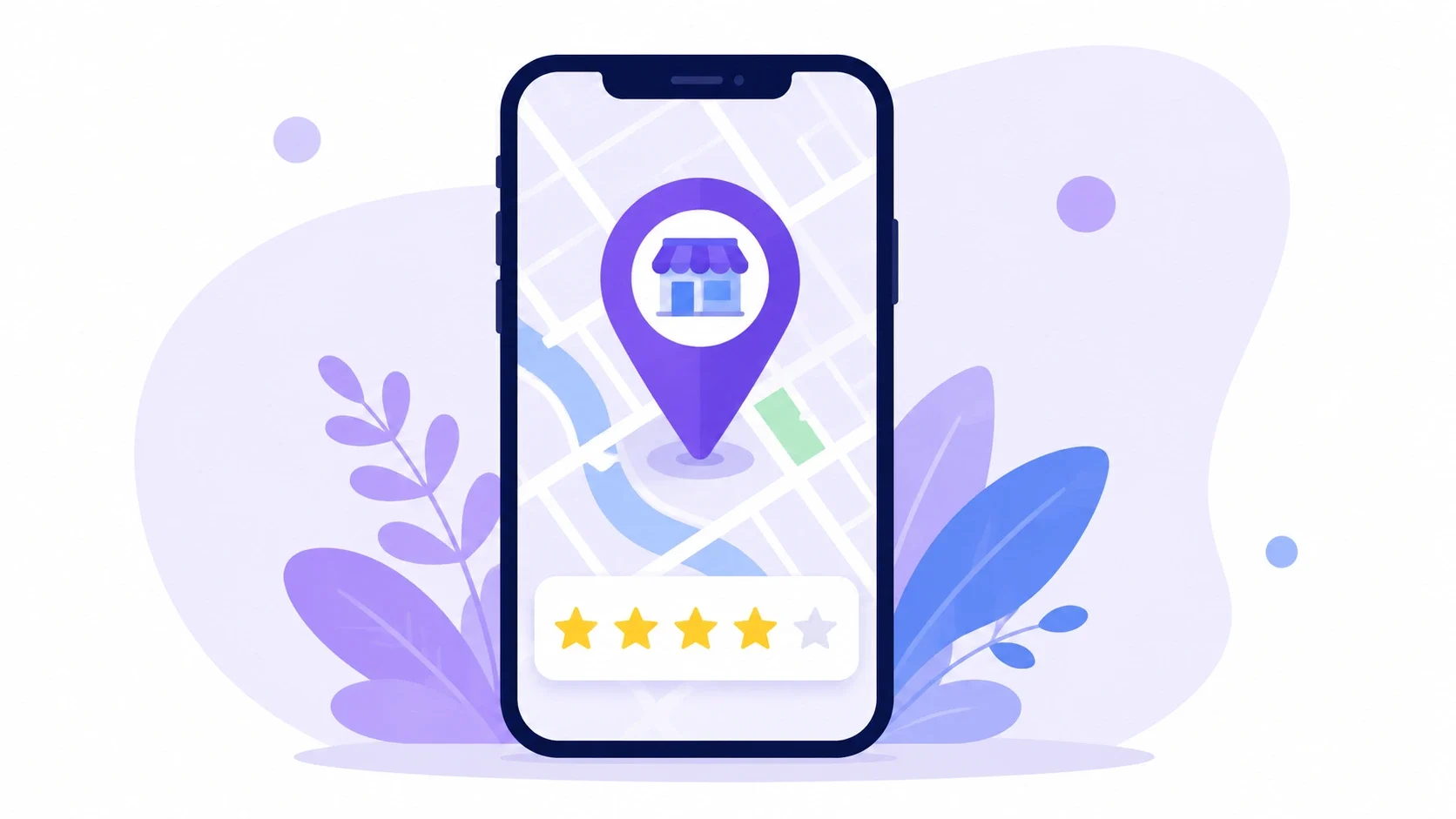
A Google business profile, formerly known as Google My Business, is the listing that appears on the search engine when a consumer looks for a specific business or the services it provides. This listing contains basic business information, such as the business’s address, operating hours, contact details, reviews, pictures, and posts.
By definition, a Google business profile is the storefront of the business on the search engine giant. For instance, when searching for a local bakery or a digital marketing agency in Kochi, the businesses that appear in the local map pack are the ones with optimized Google business profiles.
Quick tip: A complete, active profile isn’t optional anymore — it’s one of the strongest local ranking signals Google uses.
Local SEO ranking factors can be grouped into three main categories – relevance, distance, and prominence. Your Google business profile impacts each of them, so let’s take a closer look at all three and define how you can benefit from them.
All of them play a vital role in local SEO and can be controlled by you. The more activity there is on your Google business profile, the more prominent your listing will be in local searches. And the more prominent it is, the more customers can find you organically without spending a cent on advertising.
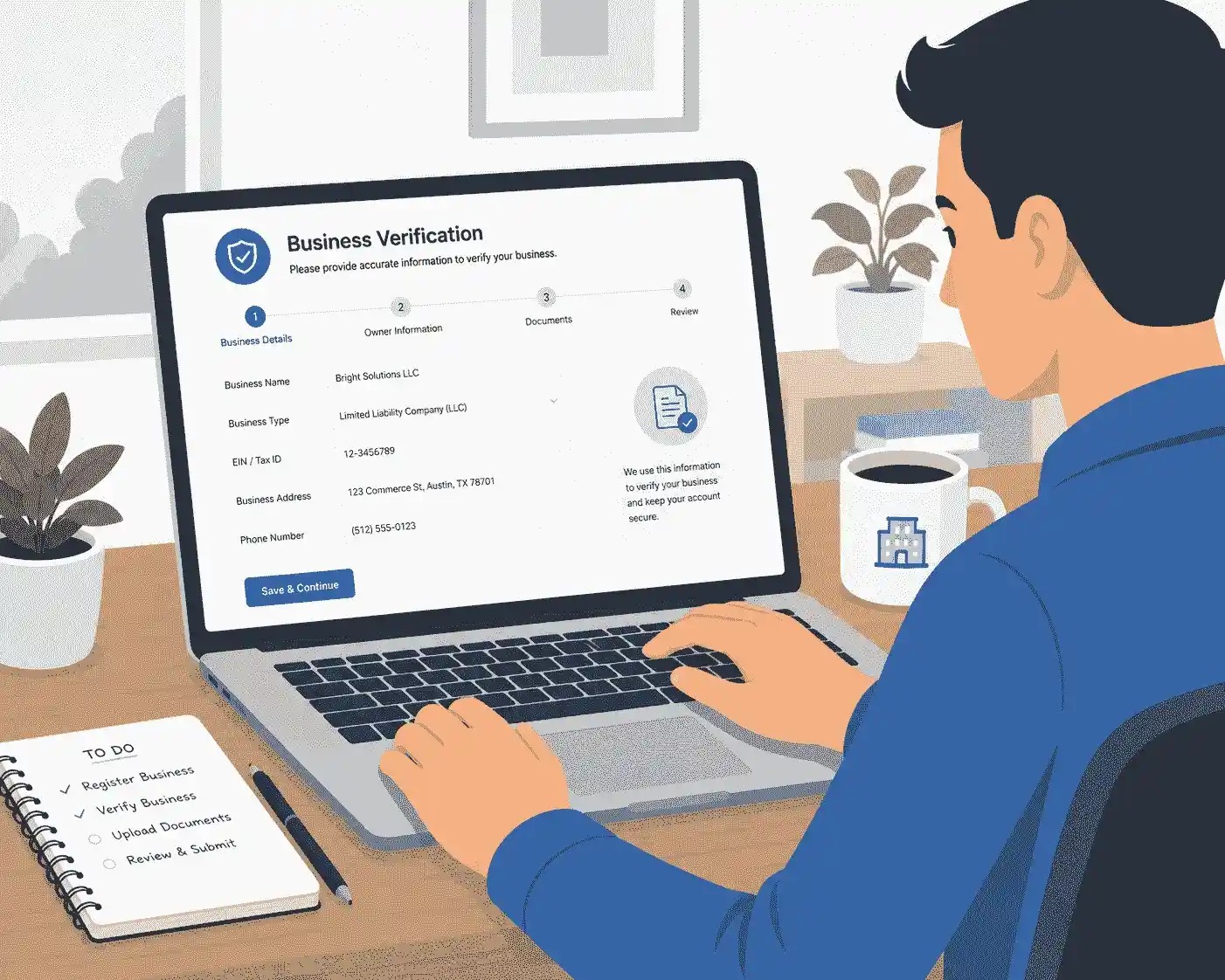
Step 1: Create a Google Business Profile or claim an existing listing
Log in to Google Business Profile Manager with a Google account. Look up your business in the search box — if there’s an existing listing (which is sometimes created automatically by Google), claim the listing rather than create a duplicate listing.
Step 2: Provide Correct Business Information
Provide the exact name of your business as used in its signage and documentation. Don’t try to include lots of keywords in your name — that will be penalised by Google and can result in suspension of your listing.
Enter your:
Step 3: Verify Your Listing
It proves that you’re the legitimate owner. Depending on your kind of business, Google will provide one or more of these methods of verification:
Immediate verification if you have already verified your website domain name in Search Console
This process can take from a few minutes to two weeks.
Step 4: Fill in all Sections
Unverified profiles and incomplete ones usually don’t rank well. Fill in:

Setting up your profile is step one. The true ranking gains occur during optimisation.
Your primary category carries significant ranking weight. Choose the most specific option possible instead of a generic one. Your “Digital Marketing Agency” shouldn’t be categorised under just “Marketing Agency,” if you can avoid it
Profiles with more photos receive noticeably more requests for directions and website clicks, according to Google’s own guidance for business owners. Upload:
Avoid stock photos. Real, recent images build trust with both Google and potential customers.
In local search, reviews are among the most powerful indicators of trust. Frequently, a consistent flow of recent evaluations is more important than a huge historical total.
Google Posts function like mini social media updates that appear directly on your profile. Use them for:
Regular posting tells Google that your company is engaged, which improves rankings.
NAP stands for Name, Address, and Phone number. These details should match exactly across your website, social profiles, and directory listings. Inconsistent NAP data confuses Google and weakens local ranking signals.
| Factor | Google Business Profile | Website SEO |
| Cost | Free | Free to low-cost, ongoing effort |
| Setup time | Minutes to days | Weeks to months |
| Primary benefit | Local map pack visibility | Organic search rankings |
| Update frequency needed | Weekly (posts, photos) | Ongoing content updates |
| Review integration | Built-in | Requires third-party tools |
Both work best together — your website supports authority, while your profile drives local discovery.
1. Can we use the Google Business Profile for free?
Certainly, any respectable company can set up and manage its Google Business Profile for free.
2. How long does the verification process take?
This depends on the type of verification that will be done; postcard verification takes up to one or two weeks, while telephone verification and email verification can be done instantly.
3. Can a business entity have multiple Google Business Profiles?
If there are multiple physical locations, but not otherwise. Listing multiple locations is prohibited by Google rules and may result in account suspension.
4. Do posts on Google Business Profiles affect SEO?
Though not directly affecting SEO rankings like backlinks do, frequent posting signifies activity, which leads to engagement.
5. How should I keep up my business listing? Update it whenever your business hours change, publish new pictures frequently (preferably once a month), and reply to feedback right away.
Maintaining and finishing your GBP listing requires constant work rather than a one-time effort. Companies that maintain active and updated Google Business Profiles outperform those that set and forget.
It’s time to start using your business listing if you haven’t done so in a long time.
Are you prepared to use your Google Business Profile to generate leads? This week, start with one modification, such as adding three new pictures or answering your oldest unanswered review, and work your way up from there.